
Many business owners in Pakistan open Google Ads, click a few buttons, add a card and hope for the best. A week later, the budget is gone and the phone has not rung. Most of the time, the problem is a rushed setup, not Google Ads itself. So, this guide on Google Ads setup guide gives you clear, practical answers.
This Google Ads setup guide walks you through creating your first campaign step by step. We cover account creation, Expert Mode, keywords, ads, budgets in PKR and conversion tracking, the same process our PPC team at SuperioTech follows for clients.
Table of Contents
- What Do You Need Before Setting Up Google Ads?
- Step-by-Step Google Ads Setup Guide
- What to Do in the First 30 Days
- Common Google Ads Setup Mistakes
- How Much Should You Spend on Google Ads?
- Google Ads Setup Guide for Local Businesses
- Google Ads Setup Guide: Landing Page Tips
- Google Ads Setup Guide: Understanding Quality Score
- Key Google Ads Terms Explained Simply
- Weekly Google Ads Maintenance Routine
- Google Ads Setup Guide: Final Checklist
- Conclusion
What Do You Need Before Setting Up Google Ads?
Before setting up Google Ads, you need a Google account, a website or landing page, a payment card enabled for online payments, a clear offer and a monthly budget. You should also know which action counts as a lead, such as a call, form or WhatsApp message.
Here is a quick checklist:
- A Gmail or Google Workspace account.
- A fast, mobile-friendly landing page.
- A debit or credit card with online international payments enabled.
- Google Analytics 4 and Google Tag Manager, if possible.
- A clear service, location and offer.
Step-by-Step Google Ads Setup Guide
Step 1: Create Your Google Ads Account
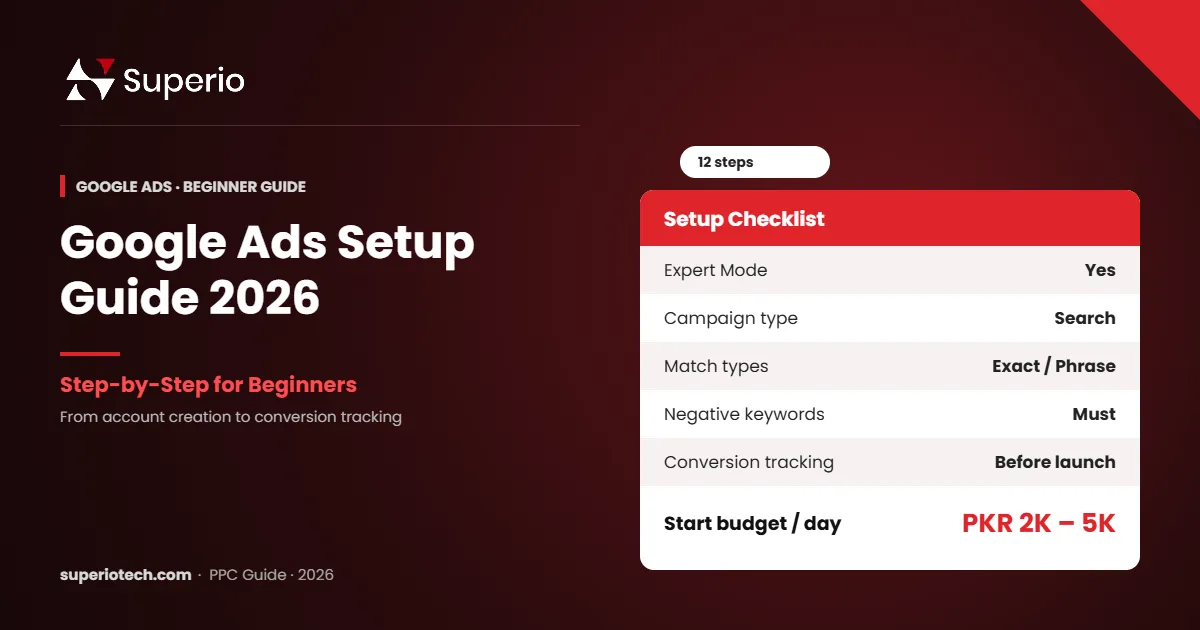
Go to ads.google.com and sign in with your Google account. Google will try to guide you into a simple Smart campaign. Instead, look for the option to switch to Expert Mode. This gives you full control over keywords, bids and settings.
Step 2: Set Your Billing Country and Currency
Choose Pakistan as your billing country and select your currency carefully. You cannot change the account currency later. Then add your payment method. Also, ask your bank to enable online international payments if your card is declined.
Step 3: Choose Your Campaign Goal and Type
For most service businesses, choose Leads or Website traffic as the goal, then pick a Search campaign. Search ads show when people actively look for your service, so they usually bring the best leads for new advertisers.
Step 4: Set Locations and Languages
Target only the areas you serve. For example, a Karachi clinic should target Karachi, not the whole country. Under location options, choose “Presence: people in or regularly in your targeted locations”. As a result, you avoid paying for clicks from outside your area.
Step 5: Turn Off Display and Search Partners
For your first campaign, untick the Display Network. It often brings low-quality clicks to Search campaigns. Many advertisers also turn off Search Partners at the start.
Step 6: Set Your Budget and Bidding
Start with a daily budget you are comfortable with, such as PKR 2,000 to 5,000 per day. For bidding, begin with Maximise clicks with a maximum CPC limit, or manual CPC. Once you get 15 to 30 conversions a month, switch to Maximise conversions.
Do Not Want to Risk Your Budget?
Let SuperioTech Set Up Your Google Ads
We build your campaigns, keywords, ads and conversion tracking the right way from day one.
Step 7: Research and Add Keywords
Use the free Google Keyword Planner to find search terms. Pick keywords that show buying intent, such as “dentist in Lahore” or “AC repair near me”. Group similar keywords into small ad groups.
| Match type | Format | When to use |
|---|---|---|
| Exact match | [dentist in lahore] | Most control; best for tight budgets |
| Phrase match | “dentist in lahore” | Good balance of reach and control |
| Broad match | dentist in lahore | Use later with smart bidding and good data |
Step 8: Add Negative Keywords
Negative keywords stop your ads from showing for irrelevant searches. For example, add “free”, “jobs”, “course” and “salary” if you sell a service. This one step can save a large part of your budget.
Step 9: Write Your Ads
Google uses Responsive Search Ads. You add up to 15 headlines and 4 descriptions, and Google tests combinations. Follow these tips:
- Include your main keyword in at least two headlines.
- Mention your city, such as “Trusted Dentist in Lahore”.
- Add a clear offer, such as “Free Consultation” or “Same-Day Service”.
- Use a call to action, such as “Book Now” or “Call Today”.
Step 10: Add Assets (Extensions)
Add sitelinks, callouts, call assets and location assets. These make your ad bigger and more useful. In our experience, ads with good assets usually get a higher click-through rate.
Step 11: Set Up Conversion Tracking
This is the step most beginners skip. Without tracking, you cannot know which keywords bring leads. Track:
- Form submissions (thank-you page views).
- Phone calls from ads and from your website.
- WhatsApp button clicks.
Use Google Tag Manager and GA4, or the Google tag directly. Google explains the process in its conversion tracking help article.
Step 12: Review and Launch
Check locations, budget, keywords, negatives and ads once more. Then publish. Google will review your ads, usually within one business day.
What to Do in the First 30 Days
- Days 1–7: check the search terms report daily and add negative keywords.
- Days 8–14: pause keywords with high cost and no conversions.
- Days 15–21: improve ads with low click-through rates.
- Days 22–30: move budget to the best ad groups and test new offers.
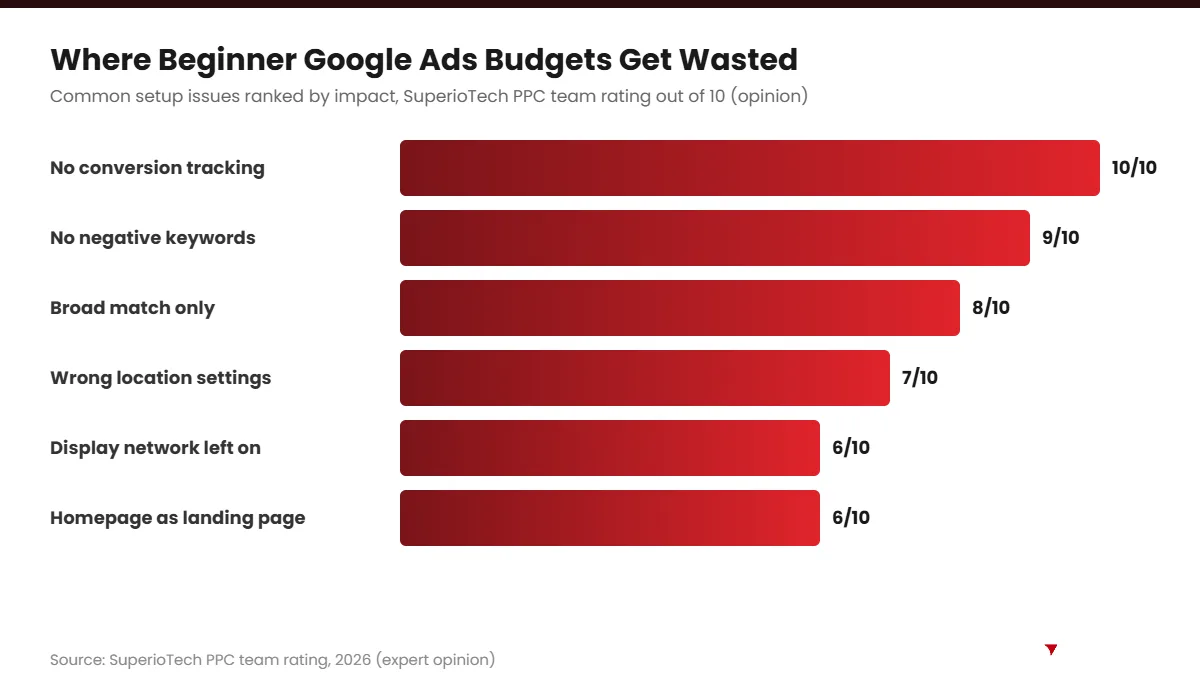
Common Google Ads Setup Mistakes
- Staying in Smart Mode: you lose control over keywords and costs.
- Using only broad match: it often triggers irrelevant searches.
- No negative keywords: money goes on searches like “free” or “jobs”.
- No conversion tracking: you cannot measure results.
- Sending traffic to the homepage: a focused landing page converts better.
- Changing too much too soon: give campaigns time to collect data.
“Half the money I spend on advertising is wasted; the trouble is I don’t know which half.” — John Wanamaker
Conversion tracking solves this problem. It shows you exactly which half works.
How Much Should You Spend on Google Ads?
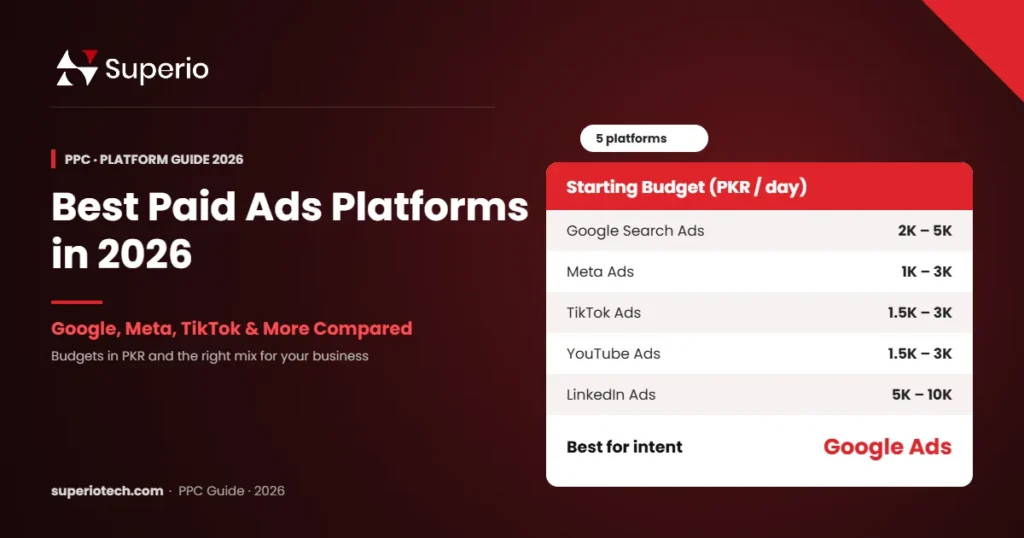
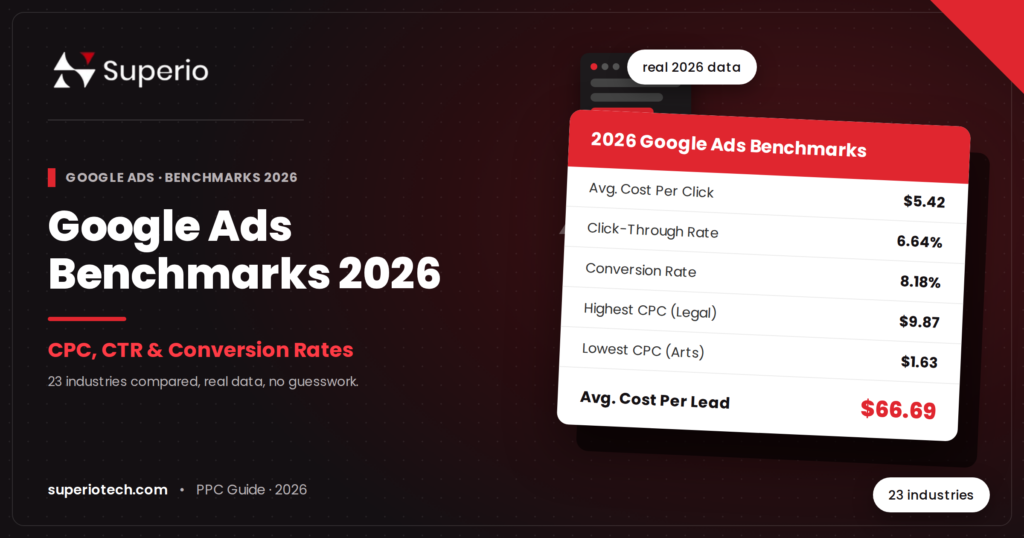
Your budget depends on your industry and competition. For local prices, read our Google Ads cost in Pakistan guide and our Google Ads benchmarks for 2026. Also, compare other options in our guide to the best paid ads platforms.
If you would rather have experts handle it, our PPC services in Pakistan include full setup, tracking and monthly optimisation.
Google Ads Setup Guide for Local Businesses
Local businesses in Pakistan, such as clinics, salons, repair services and restaurants, can get great results from Google Ads. However, they need a few extra settings.
- Add a location asset: link your Google Business Profile so your address shows in ads.
- Add a call asset: let mobile users call you with one tap.
- Use radius targeting: target a few kilometres around your shop instead of the whole city.
- Use ad scheduling: show call ads only when someone can answer the phone.
- Write local keywords: for example, “dentist in DHA Lahore” or “AC repair Gulshan”.
These small changes make your budget go much further, because you only pay for people who can actually visit or call you.
Google Ads Setup Guide: Landing Page Tips
Even the best ad fails if the landing page is weak. So, make sure your page follows these basics:
- Match the ad: if the ad says “Free Consultation”, the page should say it too.
- Load fast: aim for under three seconds on mobile data.
- One clear goal: call, form or WhatsApp, not ten different options.
- Trust signals: reviews, photos, certifications and your address.
- Short form: ask only for name, phone and need.
- Mobile-first design: most clicks come from phones.
Test your page speed for free with PageSpeed Insights.
Google Ads Setup Guide: Understanding Quality Score
Google gives each keyword a Quality Score from 1 to 10. A higher score usually means lower costs and better ad positions. It depends on three things:
| Factor | What it means | How to improve |
|---|---|---|
| Expected CTR | How likely people are to click | Write relevant, attractive headlines |
| Ad relevance | How well the ad matches the keyword | Use tight ad groups and include keywords |
| Landing page experience | How useful and fast the page is | Improve speed, content and relevance |
In our experience, small, focused ad groups and dedicated landing pages are the fastest way to raise Quality Score.
Key Google Ads Terms Explained Simply
- Campaign: the top level, where you set budget and location.
- Ad group: a set of related keywords and ads.
- Keyword: the search term that can trigger your ad.
- Search term: the exact words someone actually typed.
- CTR: click-through rate, the share of viewers who click.
- CPC: cost per click.
- Conversion: a valuable action, such as a call or form submission.
- Impression share: how often your ad appeared compared with how often it could have.
Weekly Google Ads Maintenance Routine
After setup, a short weekly routine keeps campaigns healthy. Spend about 30 minutes each week on these tasks:
- Review the search terms report and add negative keywords.
- Pause keywords with high spend and no conversions.
- Check that conversion tracking still works.
- Compare ad performance and pause weak ads.
- Adjust budgets towards the best campaigns.
- Note results in a simple spreadsheet.
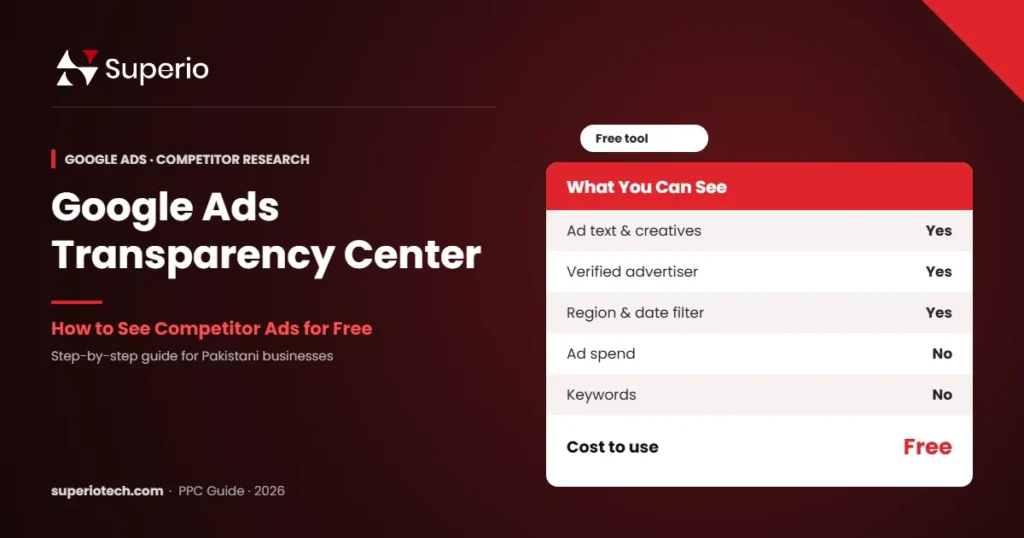
This routine is simple, but it is where most savings come from. If you want to study competitors first, see our guide to the Google Ads Transparency Center.
Google Ads Setup Guide: Final Checklist
- Expert Mode selected.
- Correct currency and billing country.
- Search campaign with Display Network off.
- Location set to “presence”.
- Tight ad groups with phrase and exact match keywords.
- Negative keyword list added.
- At least two responsive search ads per ad group.
- Sitelink, callout, call and location assets added.
- Conversion tracking tested.
- Fast, relevant landing page live.
Tick every box, and your first campaign will be far ahead of most beginners.
Conclusion
A careful Google Ads setup saves money from day one. Use Expert Mode, start with Search, choose focused keywords, add negatives and always set up conversion tracking. Then review your campaign every week.
If you want an expert team to set it up properly, SuperioTech can build and manage your campaigns for you.
Ready to Get Leads From Google?
Book a Free PPC Strategy Session
Share your business and budget, and we will plan a Google Ads campaign that fits your goals.